There's a temptation to make a website complicated - lots of pages, animations, a blog, a gallery, maybe a booking system. Most small businesses don't need any of that. What they need is a clear, focused site that answers the questions a potential customer has before they decide to get in touch.
Here's exactly what matters, and what you can skip.
The pages every small business website needs
Home page
This is where most of your visitors land first, and you have about five seconds to stop them from clicking away. The home page needs to make one thing immediately clear: what you do and who you do it for.
Avoid vague taglines. "Quality service you can trust" tells a visitor nothing. "Plumbing and heating repairs across South Manchester" tells them everything they need to know to decide if you're relevant to them.
After the opening, the home page should cover:
- A brief overview of your main services
- A reason to choose you over a competitor (experience, guarantee, local knowledge)
- A clear call to action - phone number, contact form, or booking link
- A few customer reviews or testimonials
Services page
A dedicated page for your services gives Google something to index and gives customers a clear picture of what you offer. List each service clearly, with a short description. Don't just name the service - explain what it involves and who it's for.
If you offer significantly different services, consider a separate page for each. A cleaning company might have separate pages for domestic cleaning, end-of-tenancy cleaning, and commercial cleaning. This helps with local search results considerably.
About page
People do business with people they trust. An about page gives a face and a story to what might otherwise feel like an anonymous business. It doesn't need to be long - a paragraph about how long you've been in business, your background, and why you do what you do is plenty.
If you have relevant qualifications, certifications, or memberships (Gas Safe, FCA regulated, Guild member), mention them here. These reduce the uncertainty customers feel when choosing someone they've never used before.
Contact page
Make it easy to get in touch. Every contact page should have:
- A phone number (the most direct way for many customers)
- An email address or contact form
- Your service area or location (important for local search)
- Your hours of operation
Don't hide your phone number behind a form. Many people - particularly older customers - won't fill in a form. They just want to call.
The single most important thing on your contact page: Your phone number, large, near the top, on every device. A potential customer who has to hunt for it will often give up and call someone else.
What the content on every page needs to do
Mention your location
This sounds obvious, but many small business websites don't clearly state where they operate. Google uses location information to decide which businesses to show for local searches. Your town, city, and the surrounding areas you cover should appear naturally throughout your site - not stuffed awkwardly into sentences, but as a genuine part of describing what you do and where you do it.
Be written in plain English
Write for a customer who knows nothing about your industry. Avoid jargon. Use short sentences. The goal is clarity, not to impress anyone with technical vocabulary.
Have a clear next step
Every page should end with somewhere for the visitor to go. Usually that means a phone number or a link to your contact page. Don't leave people at a dead end.
Want someone to handle all of this for you?
We build and write your entire website from scratch — every page, every word — for £39.99/mo. No setup fee.
Get my website →Social proof: the element most businesses underuse
Customer reviews are arguably the most persuasive content on any small business website. A visitor who is comparing you to a competitor will be strongly influenced by what previous customers say.
Include two or three genuine testimonials on your home page. If you have Google reviews, link to your Google Business Profile so visitors can read them in full. If you don't yet have many reviews, this is a good reason to start asking happy customers to leave one.
What you probably don’t need
Most small business websites don't need any of the following - and trying to include them often makes the site worse:
- A blog - unless you have time to update it regularly, a neglected blog makes your site look abandoned
- A photo gallery - a few strong images on relevant pages work better than a standalone gallery no one visits
- Social media feeds - these slow down your page and distract visitors from contacting you
- An animated intro - these delay visitors from getting to what they came for
- Multiple pop-ups - one may be acceptable; more than one drives people away
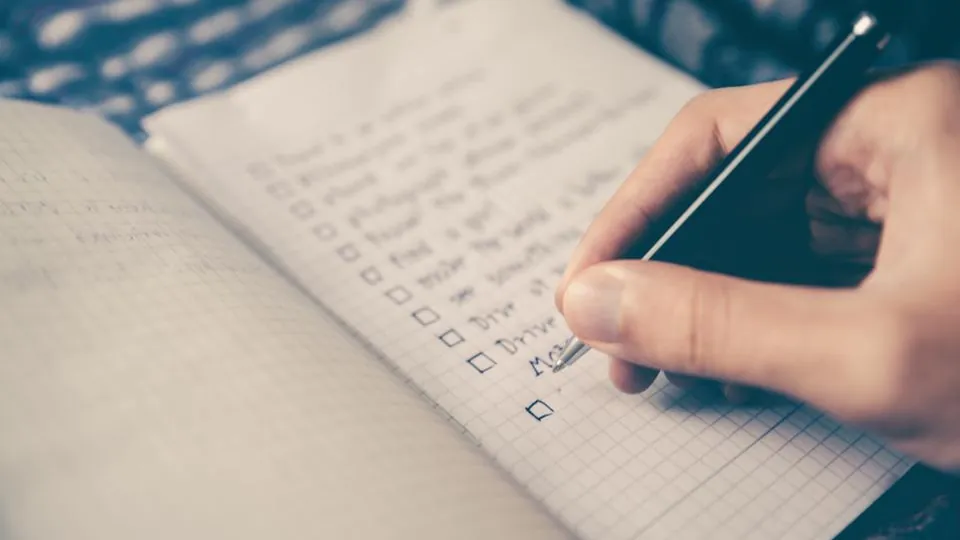
The complete checklist
- Home page with a clear headline explaining what you do and where
- Services listed with descriptions
- About page with your background and any relevant credentials
- Contact page with phone number, email, and service area
- Phone number visible in the header on every page
- Two to three customer testimonials on the home page
- Location mentioned naturally throughout the content
- Clear call to action on every page
- Mobile-friendly layout
- Fast loading speed
- SSL certificate (the padlock in the browser bar)
The bottom line
A small business website doesn't need to be ambitious to work. It needs to be clear, accurate, and focused on converting a visitor's interest into a phone call or enquiry. Get the basics right and you'll outperform most of your local competitors - many of whom have websites that technically exist but don't actually do their job.